
GETTING STARTED
Meet EveryOS
Your Linux server, with a desktop you already know how to use.
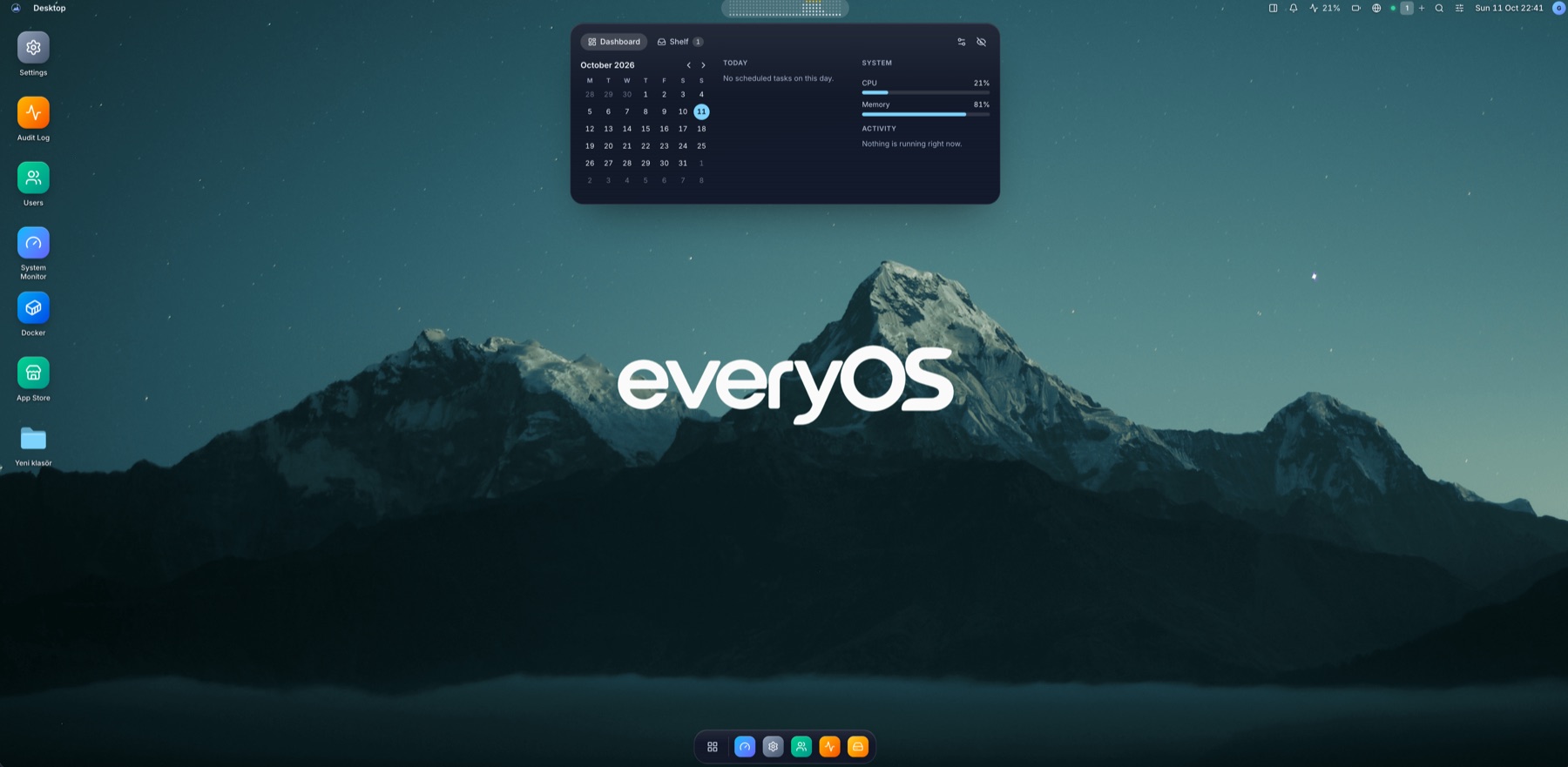
Your server, in your browser
EveryOS is a self-hosted web interface installed on the Linux machine you want to manage. Open it from a laptop or phone to work with your real host, its files, applications and services. Linux continues running underneath.
Find your way around
Use the launcher to open apps and pin favorites to the dock. Move and resize windows, switch virtual desktops and use the Pulse shelf for useful information. Your layout and appearance settings belong to your account.
Start with a fresh installation
Follow the installation guide for a supported Linux host. Complete the setup wizard, then explore Files and System Monitor. Add Docker separately when you are ready to install container apps.
Make the desktop yours
Choose from seven themes, accent colors, glass effects and rendering modes. Set wallpapers per virtual desktop, customize menu bar modules and use folder-icon presets or your own images. Battery and power readings appear only when the Linux host exposes compatible sensors.